
If you need help at any time during this process, please contact taxes@clarence-rockland.com or call 613-446-6022.
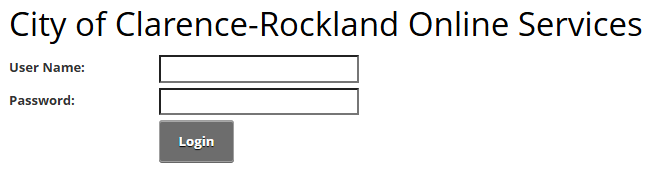
- Visit our Online Services Portal, Login Section
- Enter your User Name that you created when you registered your Account.
- Enter your password.
- Click Login.
Image
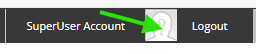
Click on your user name in the top right hand corner of the screen to access your profile.
Image
Under "Need to add an account", select the account you would like to link:
Image
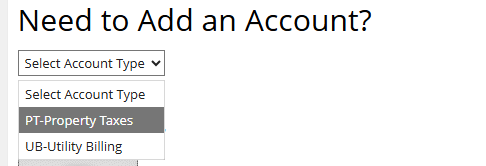
- For PT Property Taxes
- Select your jurisdiction from the drop down menu
- 016 for Clarence or
- 021 for Rockland and
- Enter your roll number (last 12 digits only): e.g., 12345678.0000
- Enter your 5 digit Access Code / PIN as indicated on your letter.
- If you did not receive a letter please contact taxes@clarence-rockland.com to request your access details.
- Select your jurisdiction from the drop down menu
- For UB Utility Billing (Water and Sewer)
- Enter your 14 digit account number and your Access Code / PIN that can be found on your latest water bill.
Next set your eBilling preferences, complete the following fields:
- Please Notify me by email that my Property Tax Notice is Ready: Select this check box to enable electronic property tax notices.
- Then, choose a delivery option:
- I will View my Property Tax Notice Online: Default option; you receive a bill notification email only.
- Attach a PDF Copy of the Property Tax Notice to the Email: You receive an email with a PDF copy attached.
- A hyperlink to access the tax notice may appear in the email if included by the administrator.
- Enter the email address you would like to use for notifications.
Image

- Click on Send verification email. A verification code will be sent to you by email.
- Enter the Verification Code.
- Select Save.